
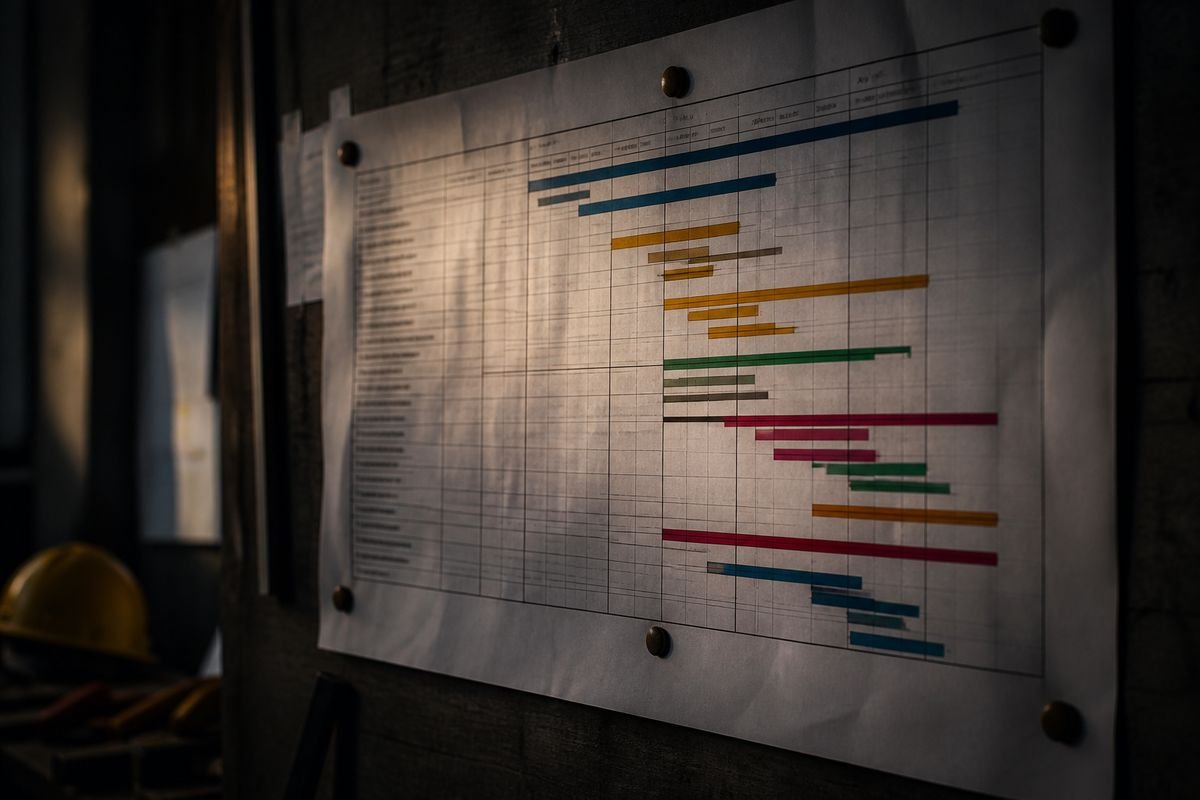
When updating complex project schedules, Primavera P6 is the tool of choice for many. Yet one should not assume it is inherently more accurate than MS Project. In the end, the quality of a forecast depends on the schedule logic, progress data, constraints, calendars, and how the scheduling settings are configured.
While both can be used to determine critical paths and forecast dates, the distinction lies in the degree of control each provides over complex programmes.
MS Project vs. Primavera P6: A Comparison
| Factor | MS Project | Primavera P6 |
|---|---|---|
| Schedule calculation | Dates are recalculated from task logic, constraints, and calendars | CPM logic, calendars, and constraints are used to recalculate dates |
| Status / Data Date | Relies on a Status Date | Works with a Data Date |
| Critical Path | Calculates slack and identifies critical tasks | Offers in-depth CPM and critical-path analysis |
| Relationships | FS, SS, FF and SF | FS, SS, FF and SF |
| Constraints | Task constraints and deadlines are supported | More extensive controls are provided |
| Calendars | For project, task, and resource calendars | Global as well as project, resource, and activity calendars |
| Float | Total and free slack | A more detailed float analysis is possible |
| Out-of-sequence progress | Managed via task and progress settings | Has dedicated options for out-of-sequence scheduling |
| Complex programmes | Fits most projects | The better fit for large, multi-package programmes |
Why do the forecast dates sometimes vary?
An update is not simply a matter of moving the status or data date. The calculated dates will be influenced by actual progress, remaining duration, the network of relationships, and constraints.
For example, an SPI under 1.00 is no guarantee that the forecast finish has to slip past the baseline. That figure shows earned progress against the plan; the forecast date comes from the schedule network. So a discrepancy between P6 and MS Project is not in itself evidence of an error.
Critical Path Analysis
Both platforms calculate the critical path through their respective schedule relationships. But for infrastructure and construction, where planners require detailed oversight of multiple work packages, float, constraints, and activity relationships, P6 tends to be the preferred option. It is wise to review the critical path after every update since shifts in progress can alter the completion date.
The Matter Of Out-Of-Sequence Progress
If an activity starts before its predecessor is done, the way the system handles the remaining work will depend on the scheduling settings. This alone can account for different forecasts across systems. A planner should examine the logic of the result instead of taking the number at face value.
So, Which Is The Right Tool?
For straightforward tracking and scheduling, there is MS Project. But for the detailed CPM and programme controls required in major engineering or construction projects, Primavera P6 is usually superior.
In short, while P6 gives you more control over a complex schedule, accuracy is only as good as the schedule development and updates. After making changes, the logic, float, critical path, and forecast should all be verified.
